done01 / 03 · en.wikipedia.org
It checks its own work
Check passed: the page says "1799".
MCP server + CLI · MIT
jevway hands the whole goal to Jev, a model built to pick browser actions. Your agent makes one tool call, not a turn per click.
Claude Code · Codex · Cursor · OpenCode · any MCP client
Paste into your agent
Set up jevway for me by following https://jevway.escalay.space/setup.mdIt checks your machine, registers jevway, and proves it with a recorded test run.
Or run it yourself
npx -y jevway setupAsks for your key without showing it, and changes nothing without a yes.
Left: what your agent sent and heard back. Right: what Jev did in Chrome. Recorded, not staged.
Driving a browser click by click costs your agent a model turn, a page snapshot and a few seconds per step. jevway hands the whole goal to Jev, a model built to choose browser actions.
01 · your agent
The goal, the values Jev may type, and any checks the final page must pass.
02 · jevway + Jev
Each step, jevway reads the page and Jev picks one control in about 300 ms. jevway acts on it in Chrome.
03 · your agent
The status, what happened step by step, and the page’s own words as evidence.
Code enforces these, not the prompt.
Jev types only the values your agent passed. A missing value comes back as needs_input, naming the field.
Pay, send, delete and submit come back as needs_confirmation. One confirmation allows one click, on the named control.
done needs a separate check on the final page, plus any exact checks you add, with the page’s own words as evidence.
Password fields are never listed to the model. Secrets reach Jev only as a marker and are scrubbed from every summary.
Jev’s answer selects a control jevway already found. It never becomes a selector, a script or typed text.
A video of the run, a screenshot before every action, and an HTML page to review it.
Your agent never has to guess what happened. Every summary says what to do next.
doneThe goal is met and checked on the final page.
Use the summary and its evidence.
needs_inputA field wants a value nobody passed.
Ask the person, add the value, call again.
needs_confirmationThe next click can’t be undone.
Ask the person, then confirm that one click.
uncertainJev thinks it’s done, but a check disagrees.
Read the page text and decide.
step_budgetThe step or time budget ran out first. The reason says which.
Continue the same session with a narrower goal.
blockedA sign-in, a bot check, or a site outside the allowed hosts.
Ask the person to pass it, then continue.
Journey maps
On a phone-sized screen, jevway records every screen, the taps between them, and QA findings like small tap targets and dead ends. You pick the taps, or let Jev explore.
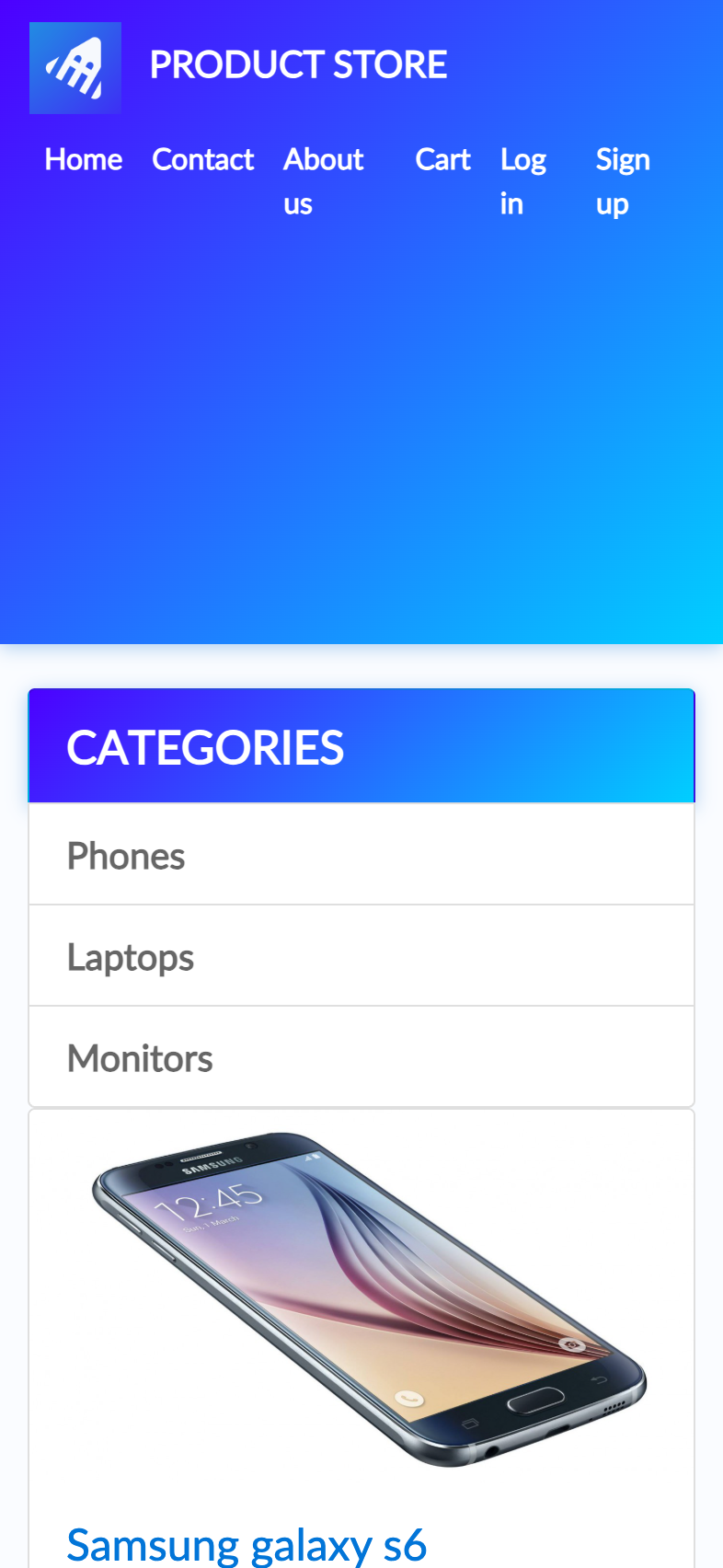
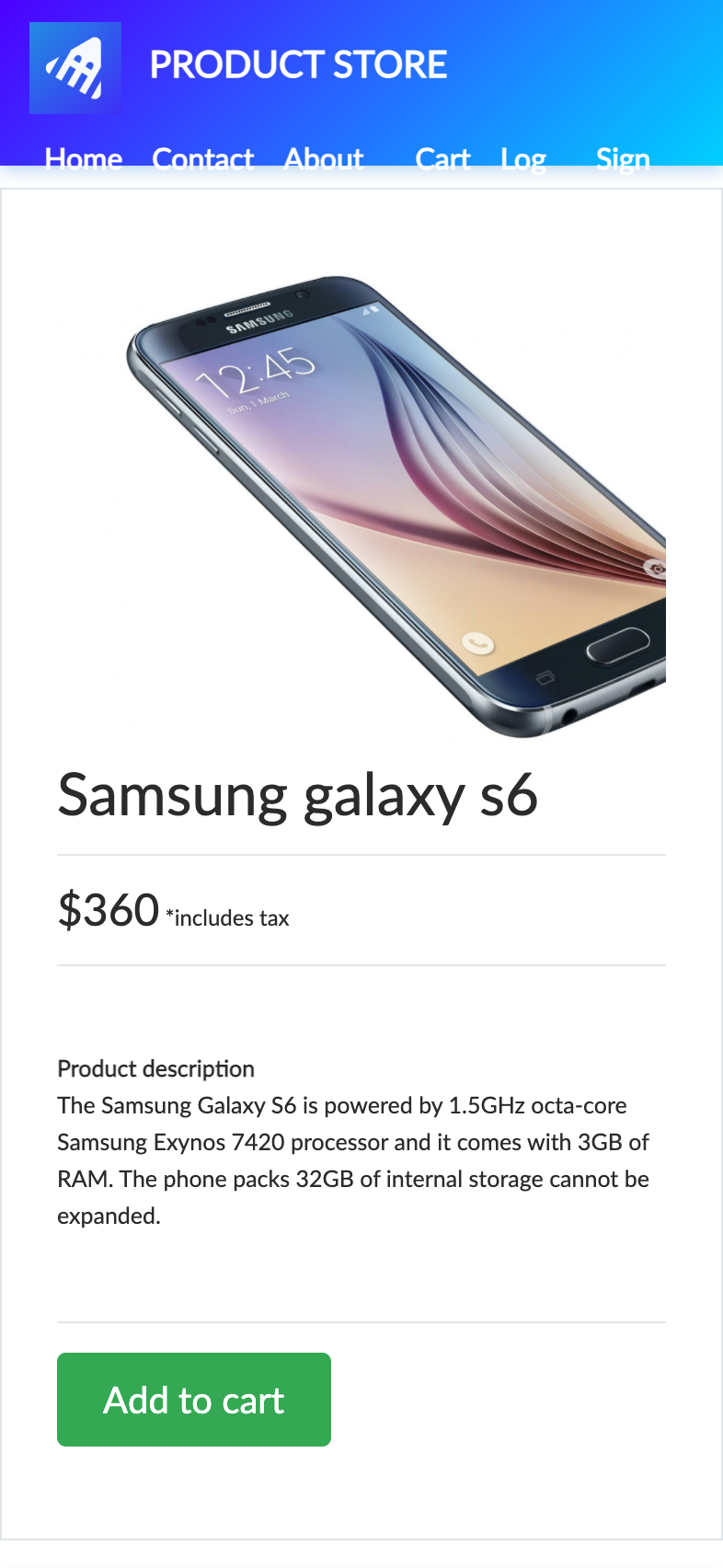

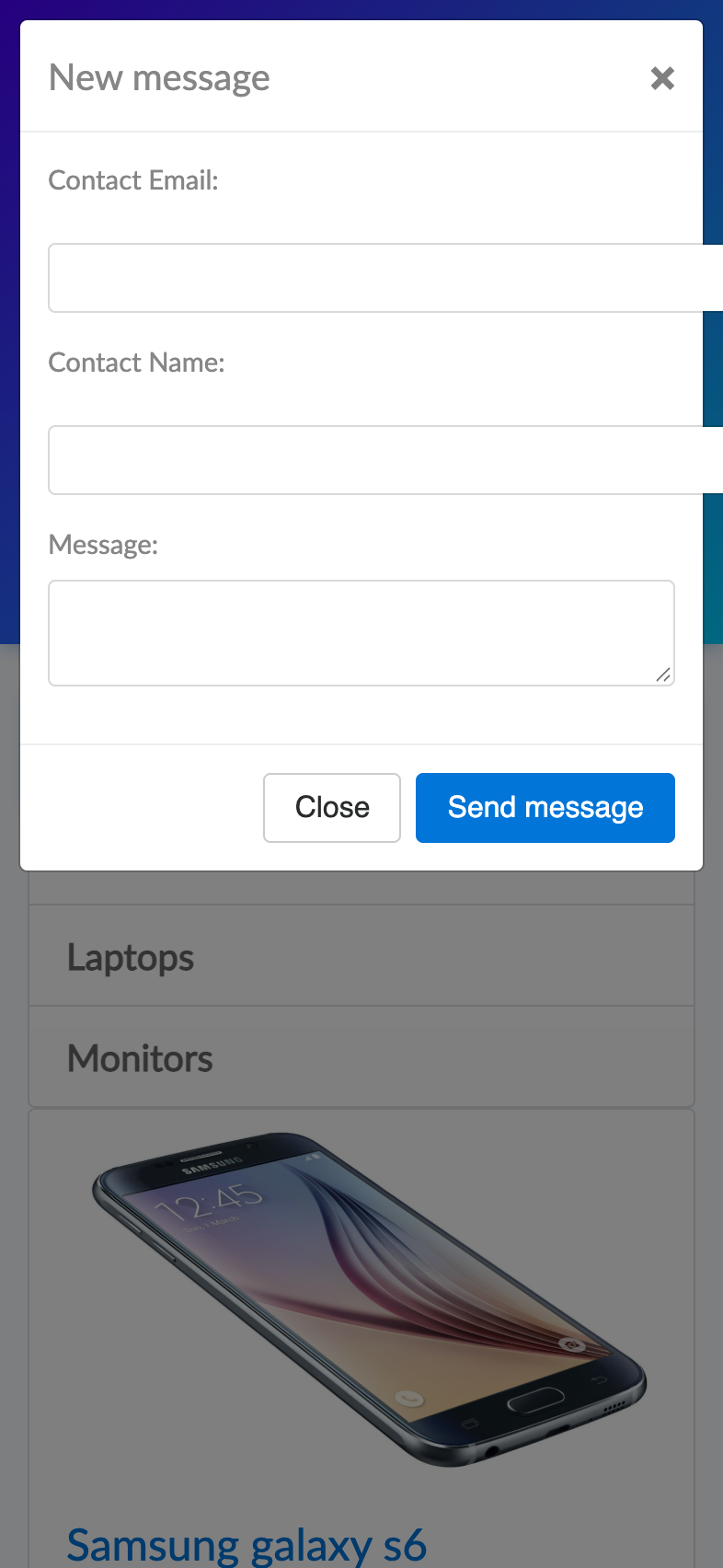
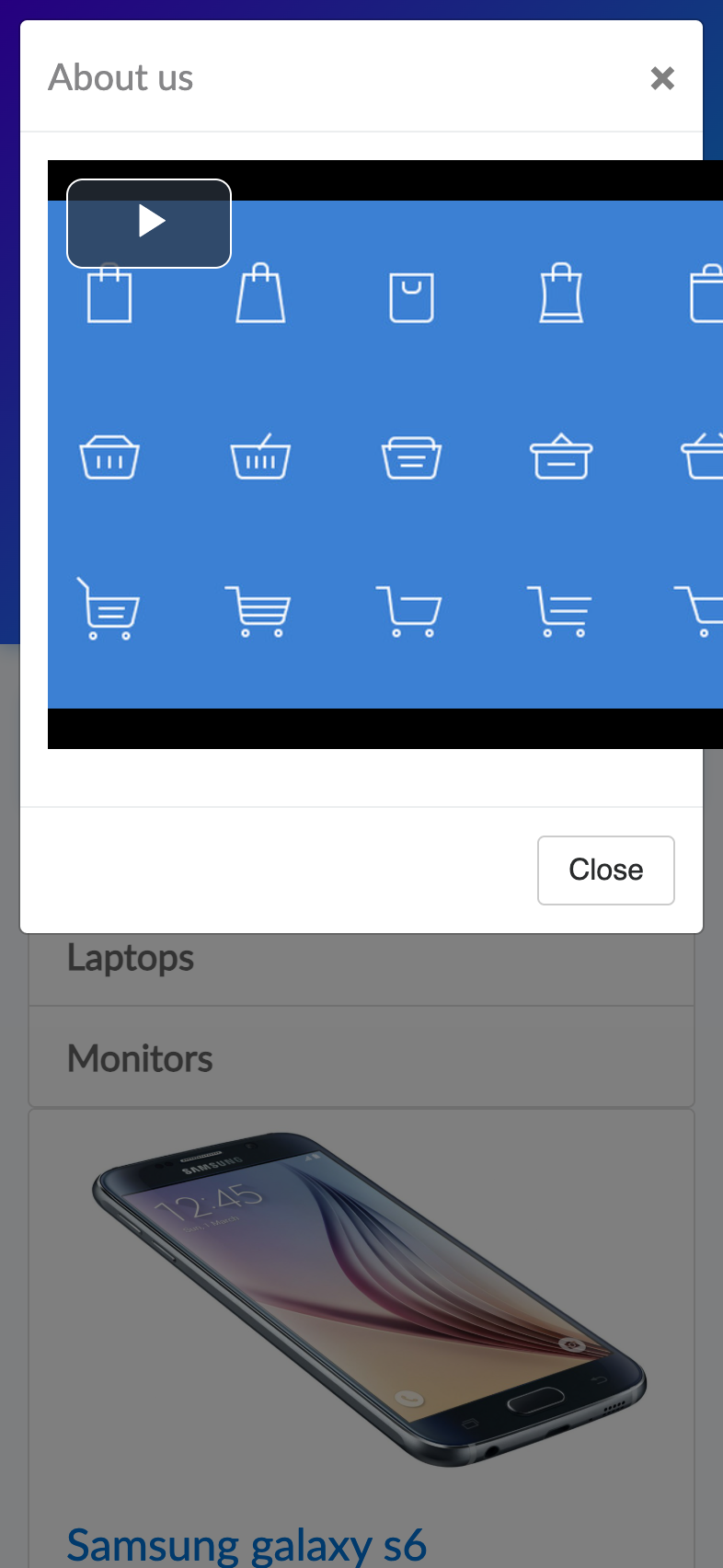
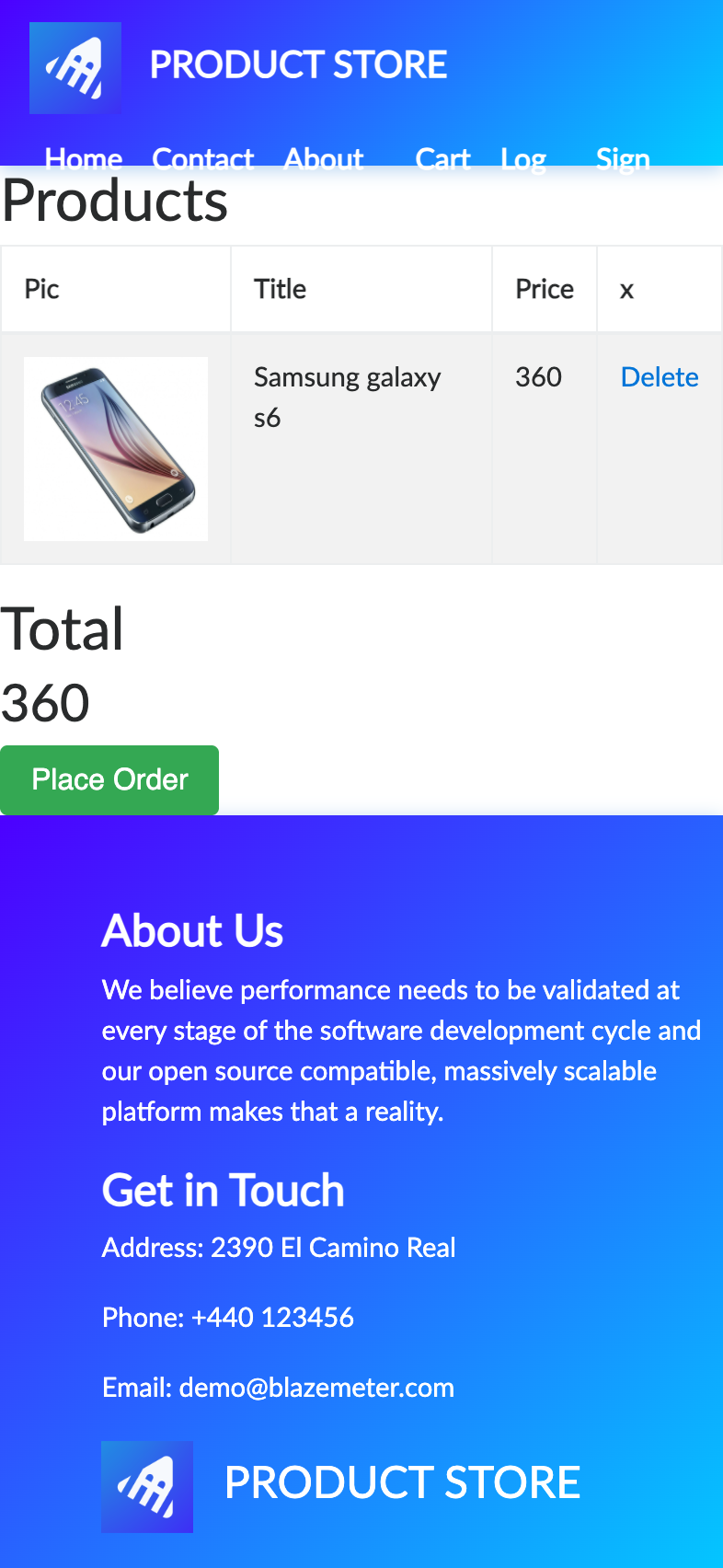
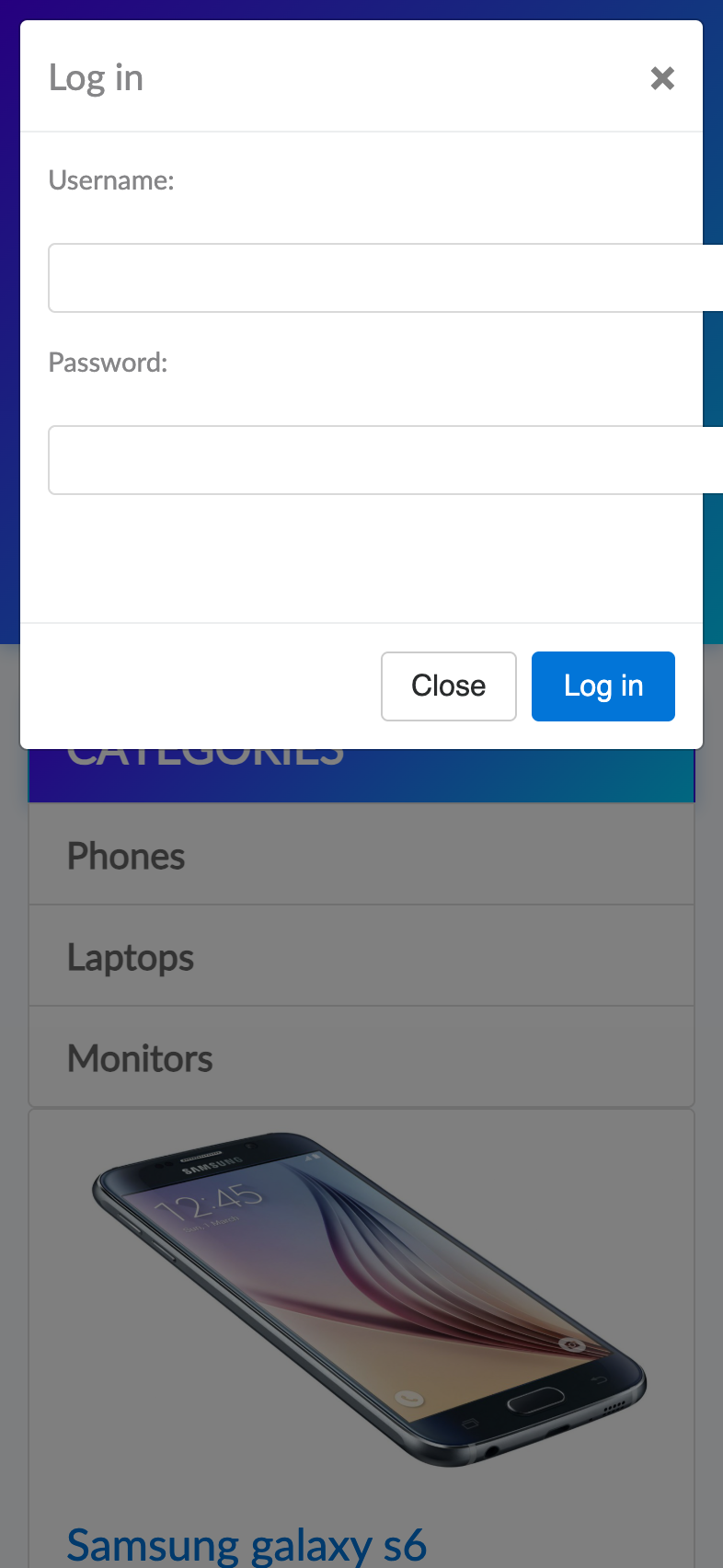
demoblaze.com: 7 screens, 13 steps, 11 findings, one shareable viewer.
Works with Claude Code, Codex, Cursor, OpenCode and any other MCP client, in your own signed-in Chrome or a throwaway one. MIT licensed. You bring a TypeSafe or OpenRouter key for Jev’s decisions.
Paste into your agent
Set up jevway for me by following https://jevway.escalay.space/setup.mdIt checks your machine, registers jevway, and proves it with a recorded test run.
Or run it yourself
npx -y jevway setupAsks for your key without showing it, and changes nothing without a yes.
Scroll effects adapted from madewithgsap.com. Illustrations from getillustrations.com.